
Scan devices and save file
1. Open your PG5 project
2. Make sure you have a correctly configured M-Bus driver in your project and that your PCD can access your M-Bus counter.
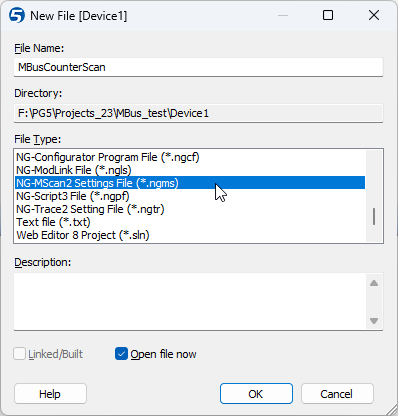
3. Create a new file NG-MScan2
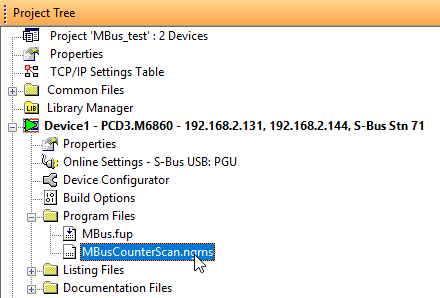
4. Double click on the new .ngms file to open NG-MScan
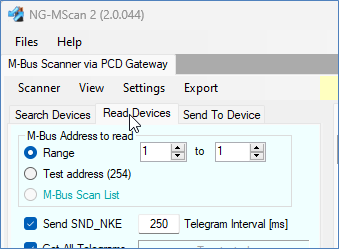
5. Select “Read Devices” and enter the M-Bus address of the device (the one that is set in the device’s F-Box)
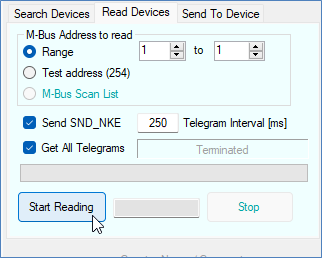
6. Click on “Start reading“
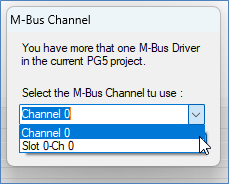
7. Select the correct channel
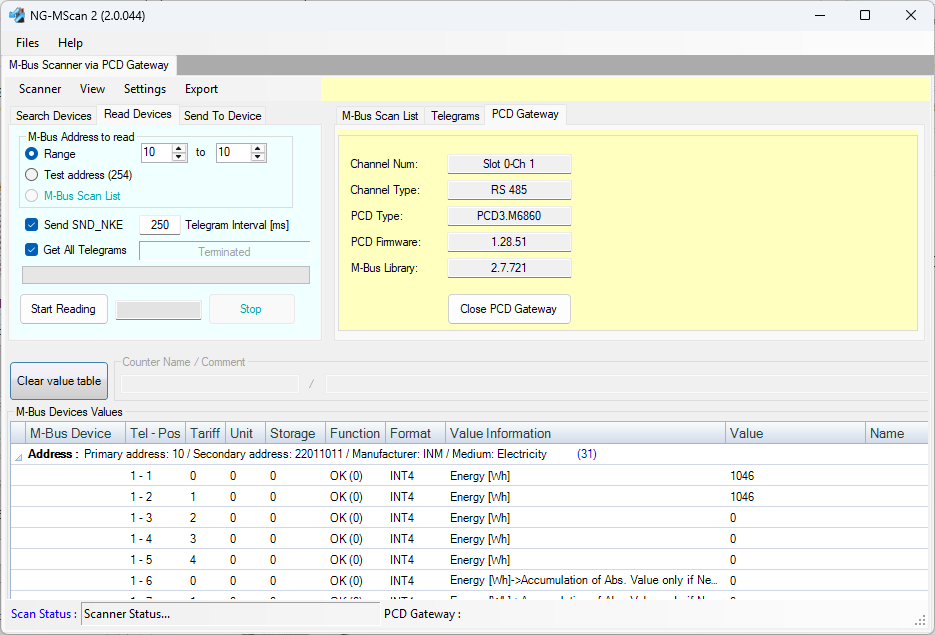
8. You should have read data from your device
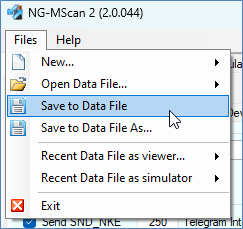
9. Save file using the function “Save to Data File” and send us the file by e-mail.
10. Send your file to support@engiby.ch